Nursing Home Management Software in India (2026): Features, Price and a Buyer’s Checklist
In most of the world a nursing home is a residential care facility for the elderly. In India it usually means something else entirely: a small private hospital, often ten to fifty beds, frequently founded by one or two consultants, doing surgery, maternity and general medicine with a lean team and no IT department. It is one of the most common kinds of hospital in the country and one of the least well served by software.
The reason is that a nursing home sits exactly between two markets. Clinic software does not understand admissions, operation theatres or a TPA file. Large hospital systems understand all of them and arrive with a configuration project, a server and a price built for a 300-bed institution. This guide is for the owner, administrator or medical director choosing between them.
What is nursing home management software?
Nursing home management software is hospital management software sized for a small inpatient facility: registration, OPD, admissions and beds, the operation theatre, nursing notes, pharmacy, billing and insurance, in one system run by a small team.
The emphasis is on the word small. The modules are the same ones a large hospital uses. What changes is how much configuration they need, how many people have to learn them, and how quickly the system has to be running, because a nursing home cannot close its billing counter for a week while a vendor finishes setting up.
How is a nursing home different from a clinic or a large hospital?
A nursing home has inpatients, surgery and insurance like a hospital, but runs them with the staffing and budget of a clinic. That combination is what most software gets wrong.
Three differences decide the purchase:
- The same people do several jobs. The receptionist admits patients, collects deposits and chases the TPA. The duty doctor writes notes for the ward and the OPD. Software built around departments with separate staff forces a small team through screens designed for specialists.
- Surgery and maternity drive the revenue. Package billing for procedures and deliveries, with the exclusions that turn a package into an open bill, is the most important thing the billing module does.
- Insurance is a growing share of income. TPA cashless admissions and PM-JAY empanelment bring structured pre-authorisation and claim documents that a paper file handles badly.
Which modules does a nursing home actually need?
Nine, and a nursing home should expect all nine to share one patient record rather than be bought separately.
- Registration and OPD. Patient identity, ABHA creation, appointments, consultation notes and prescriptions.
- Admission, beds and transfers. Who is in which bed, the deposit taken, and the daily bed charge applied automatically.
- Operation theatre. OT booking, surgeon and anaesthetist, implants and consumables used, and the procedure charge on the bill.
- Nursing and ward notes. Vitals, medication administration, intake and output and shift handover recorded at the bedside.
- Pharmacy. Inpatient issues against the prescription, outpatient sales, batch and expiry tracking, and every issue charged to the right bill.
- Laboratory. Orders from the chart, results attached to the patient, and outsourced tests tracked when samples leave the building.
- Billing, packages and insurance. Package and open billing, interim bills, TPA pre-authorisation, discounts with approval and GST-compliant receipts.
- Discharge summary. Built from what was recorded during the stay, not retyped from the file on the day of discharge.
- Owner's reports. Daily collection, occupancy, doctor-wise revenue, pending claims and outstanding deposits.
What most nursing homes can defer: a full radiology PACS unless imaging is on site, a separate HR system until the roster outgrows a spreadsheet, and complex multi-store inventory.
What does nursing home software cost in India?
Indicative 2026 pricing for a nursing home is roughly ₹5,000 to ₹15,000 a month for cloud software, rising toward ₹1.5 lakh a year and beyond as beds, modules and branches increase, with implementation and training on top.
What moves the number within that band:
- Bed count, and whether pricing is per bed or per user — per-user pricing grows quickly once every nurse has a login
- Whether pharmacy, laboratory and TPA billing are included or quoted as add-ons
- Cloud subscription versus an on-premise licence with a server and annual maintenance
- Data migration from an existing system or from paper registers
- SMS, WhatsApp and payment gateway charges
Our hospital software cost guide breaks down the full five-year picture, and affordable hospital management software sets out the hidden fees that make a cheap quote expensive. For a nursing home the single most useful comparison is the price at twice the current size, because many small hospitals add beds within three years of buying software.
Does a nursing home need ABDM, NABH and NHCX support?
Increasingly yes, because each one is now attached to money: scheme empanelment, insurer relationships and the incentive paid for digital records.
- ABDM. Facilities with ten or more beds registered on the Health Facility Registry can earn under the Digital Health Incentive Scheme for ABHA-linked records. The software needs to be ABDM certified, not merely ABDM ready, to reach it.
- NABH. Entry-level certification is within reach of a small hospital and increasingly expected by insurers. It asks for records a paper system struggles to produce on demand: consent, medication administration, incident reporting and audit trails.
- NHCX. Insurance claims are moving to the National Health Claims Exchange, which expects structured clinical data rather than scanned files.
A nursing home does not need to become a compliance department. It needs software that produces these records as a by-product of normal work.
Should a nursing home choose cloud or on-premise software?
Cloud, in most cases. A nursing home without an IT team is better served by software that someone else backs up, secures and updates.
On-premise still makes sense where connectivity is genuinely unreliable and cannot be made redundant, but it brings a server, a UPS, backups, antivirus, and a person responsible for all of them. The fuller argument is in cloud or on-premise. For a small hospital the practical answer is usually cloud, two internet connections from different providers, and a documented plan for the rare hour when both fail.
How long does it take a nursing home to go live?
Four to eight weeks is realistic for a 10 to 50 bed facility on a cloud system with sensible defaults, and the time goes mostly on masters and training rather than on software.
A typical sequence:
- Weeks 1 and 2: tariffs, packages, doctors, beds, the drug master and user roles configured.
- Weeks 2 and 3: staff trained by role, in short sessions, on their own real tasks.
- Weeks 3 and 4: registration and billing go live first, because every other module depends on them.
- Weeks 4 to 8: ward, OT, pharmacy and laboratory brought on one at a time, with paper retired as each settles.
The hardest part is not technical. It is persuading a senior team that has worked on paper for twenty years that the new way is faster, which our piece on training staff who have used paper for twenty years addresses directly.
What should a nursing home test in a software demo?
The routine tasks your team does fifty times a day, timed, using your own tariffs and packages.
- Admit a patient, collect a deposit and allot a bed.
- Book the OT, record a surgery with the implants used, and show the charge on the bill.
- Bill a normal delivery package, then add a charge that falls outside the package.
- Raise a TPA pre-authorisation estimate for a planned surgery.
- Record a medication given on the ward and show it on the nursing chart.
- Issue drugs from the pharmacy to an inpatient and show them on the bill.
- Generate a discharge summary without retyping the file.
- Show today's collection, occupancy and pending claims on one screen.
- Create an ABHA for a new patient at the registration desk.
If the vendor needs to switch to a different demo environment for any of these, the feature exists on a slide but not in the product you will be running.
Where Kōami fits
Kōami is a premium hospital suite priced to be affordable for smaller hospitals, which makes it a strong fit for nursing homes that want large-hospital capability without large-hospital cost or complexity.
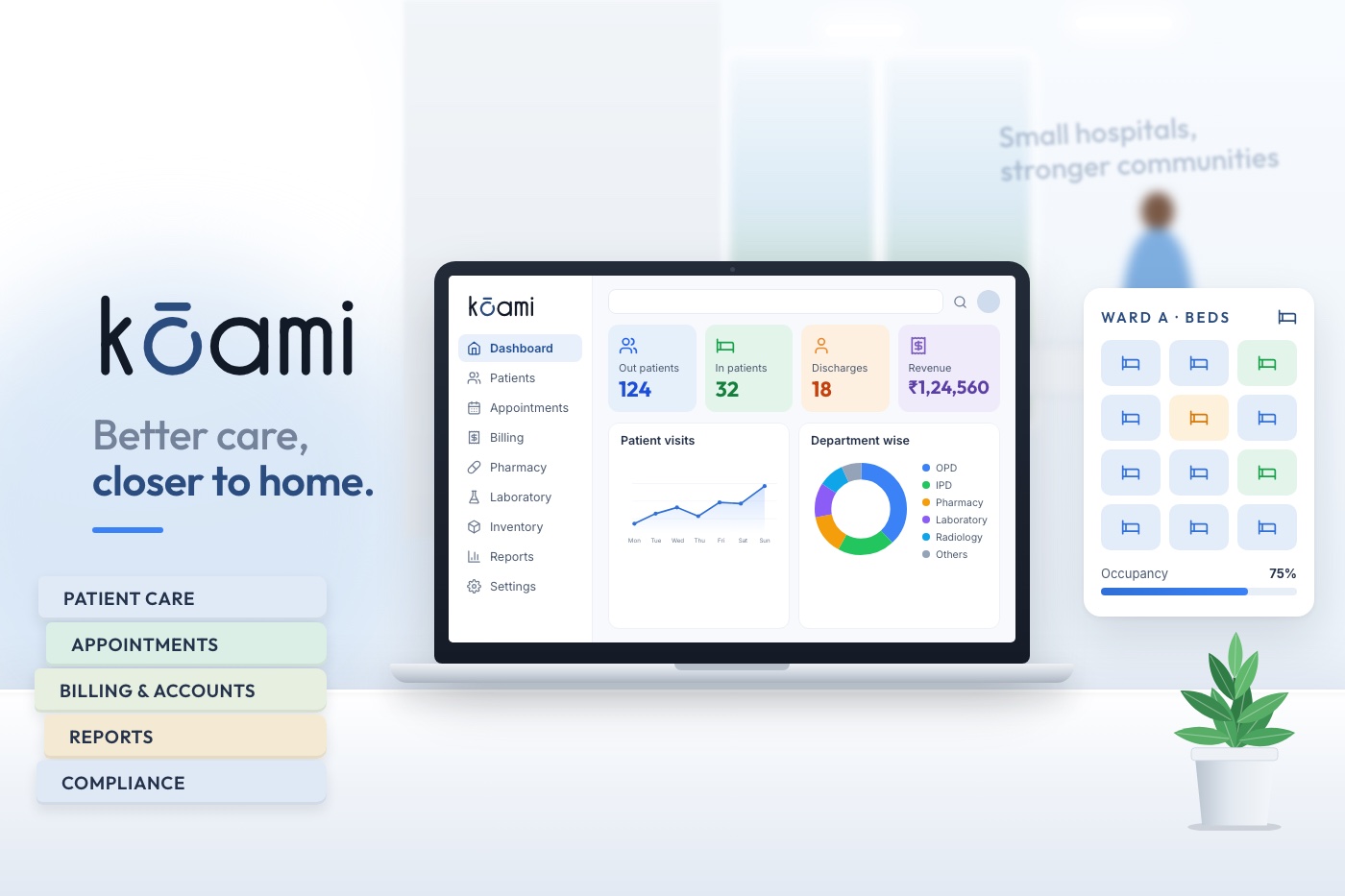
Kōami Hospital brings registration, OPD, admissions and beds, the operation theatre, bedside nursing charting, pharmacy, laboratory, package and TPA billing and discharge onto one patient record, with secure cloud hosting included in the plan. You pay for the modules you switch on, so a nursing home can start with its core and add laboratory, imaging or workforce management later without a second project. Hospital plans include unlimited users, onboarding and training, which matters in a facility where everyone does several jobs and needs their own login.
If you run a 10 to 50 bed hospital, read our page on hospital software for small hospitals, then book a demo and bring your tariff list and one real discharge file. We will run it through the system while you time it.