
OPD management software. A queue that moves.
The outpatient department is where most patients form their opinion of a hospital, and where the largest number of them are processed in the shortest time. It is also where a slow system is most visible, because everybody waiting can see the counter.
OPD in Kōami runs from one patient identity — the UMR — created once and reused everywhere, so registration, consultation, orders, pharmacy and billing are steps in a flow rather than separate transactions to be reconciled.
What is OPD management software?
OPD management software runs a hospital’s outpatient department: appointments and online booking, registration under a unique patient identity, token and queue management, the consultation record with prescriptions and orders, and outpatient billing. Its job is to move a patient from arrival to departure with the fewest possible stops, and to leave a complete record behind.
What the system has to do
Appointments and online booking
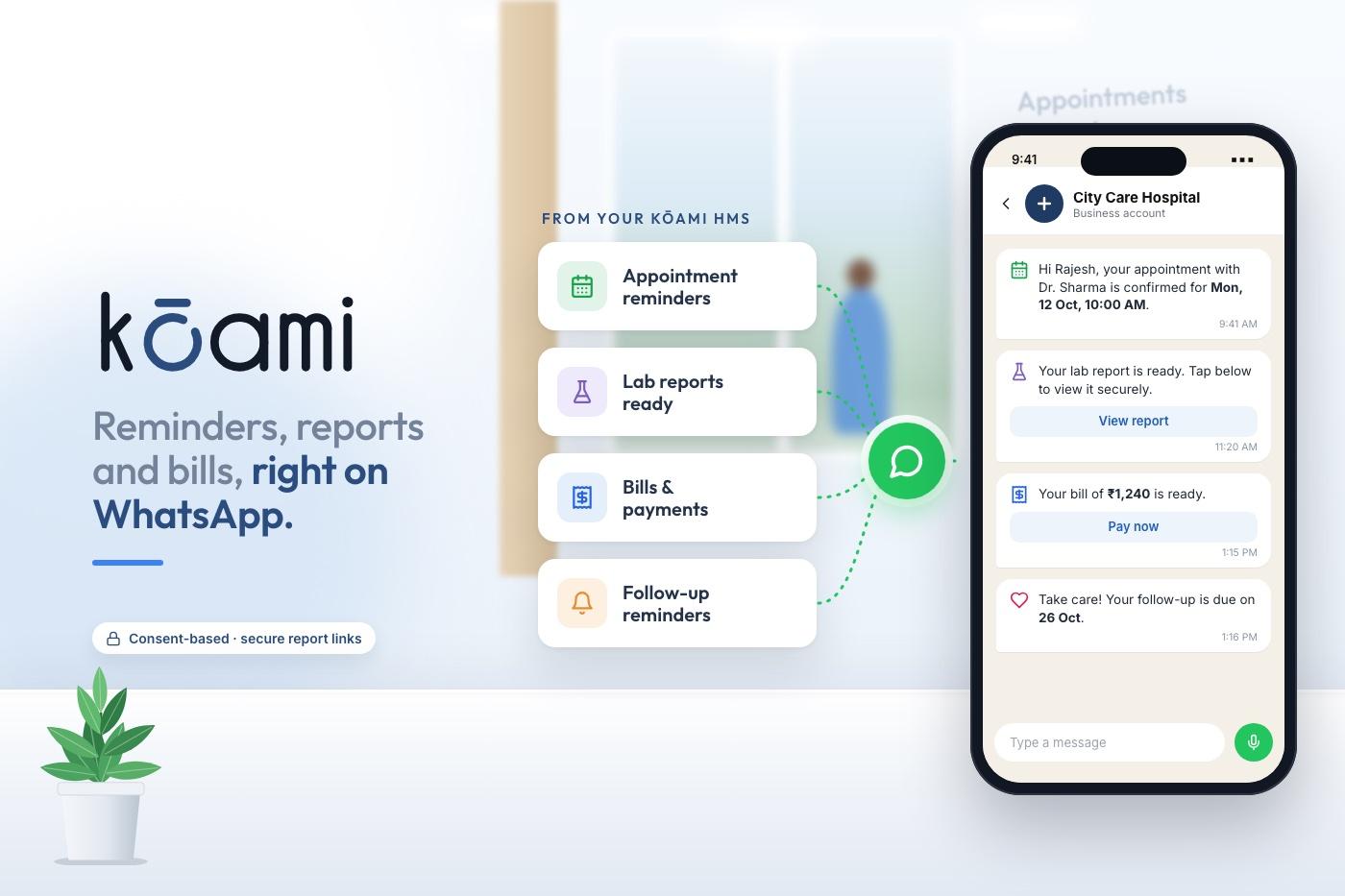
Multi-doctor calendars, patient self-booking, reminders, and walk-in handling that does not break the scheduled list.
UMR and ABHA at registration
One unique medical record per patient with duplicate detection, plus ABHA creation and linking at the counter where it is least disruptive.
Token and queue
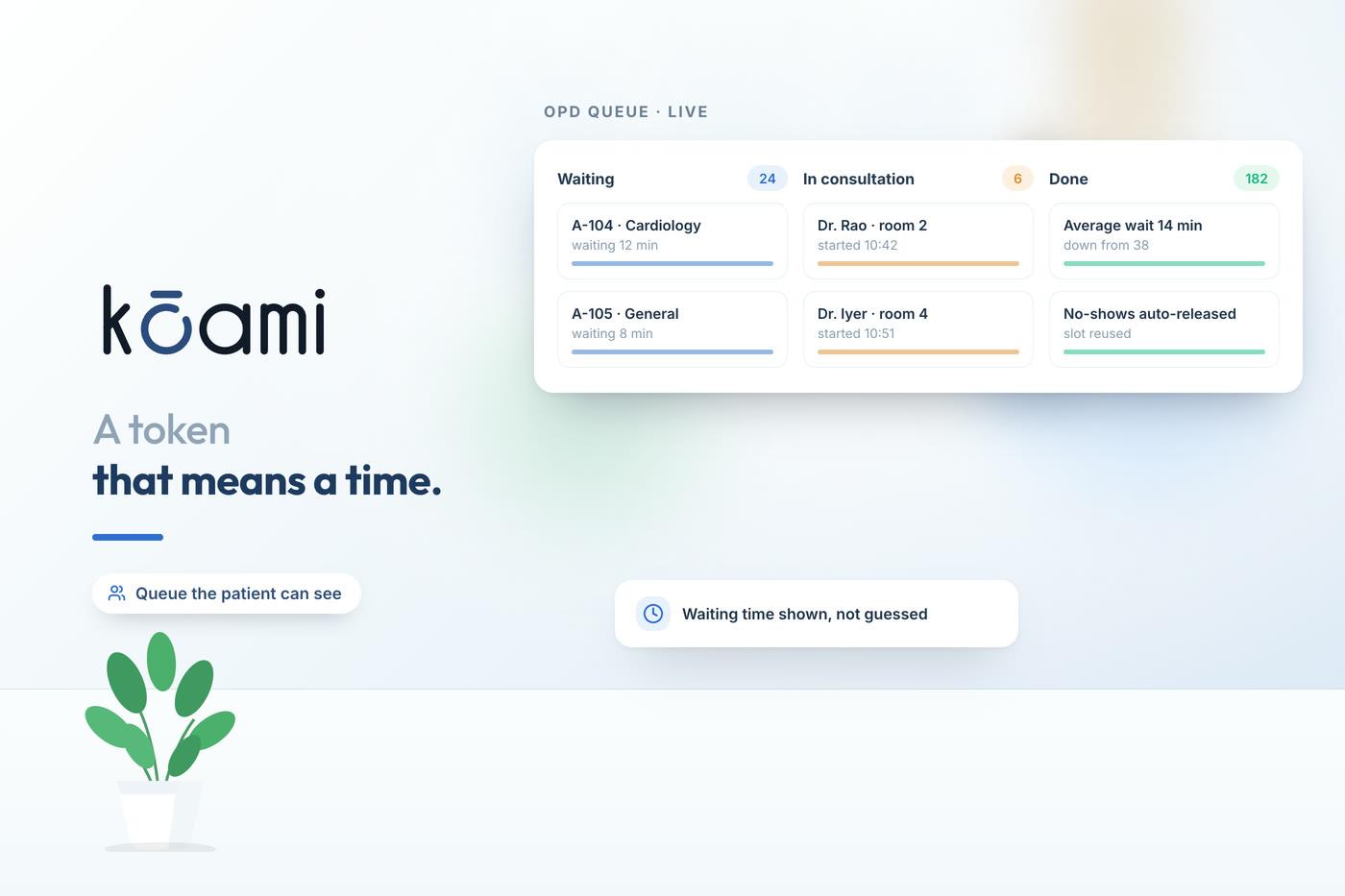
A live queue the front desk and the waiting area both read, with tokens carrying context rather than only a number.
Consultation and e-prescribing
Speciality templates, ICD-coded diagnoses, medication reconciliation and prescriptions that reach the pharmacy before the patient does.
Orders straight from the chart
Lab and imaging ordered in the consultation reach the laboratory and the modality worklist without re-entry.
Outpatient billing
Consultation, procedure and package charges priced from the tariff engine, with digital payment so the counter is not also a cash desk.
What to check in an OPD demo
Time the routine operations rather than admiring the unusual ones. If they are slow in the vendor’s hands, they will be slower in yours.
- Register a walk-in and get them into the correct doctor’s queue.
- Detect that the patient already exists under a slightly different name.
- Create and link an ABHA number without leaving registration.
- Record a consultation on your speciality’s template and print the prescription.
- Order a test from the chart and show it arriving in the lab.
- Bill the visit, apply a corporate rate, and print the receipt.
- Show the same patient’s previous three visits on one screen.
- Book an appointment as a patient would, from a phone.
How it connects
Kōami Hospital
OPD is one flow inside the HMS, sharing the UMR with IPD, pharmacy, lab, imaging and billing.
Read moreHospital billing software
Outpatient charges price from the same tariff and package engine as inpatient.
Read moreLaboratory information system
Orders placed in the consultation reach the lab directly, and results return to the chart.
Read moreGo deeper
Frequently asked questions
Time your own OPD morning
Bring your busiest hour — the doctor list, the tariff and a typical walk-in — and we will run it on screen rather than describe it.
Book a demo