
Radiology information system (RIS). Worklist to signed report.
A radiologist forms an opinion of a system in the first ten minutes and rarely changes it. Either the study opens fast and the tools land where the hands expect them, or it does not, and no amount of feature depth recovers from that.
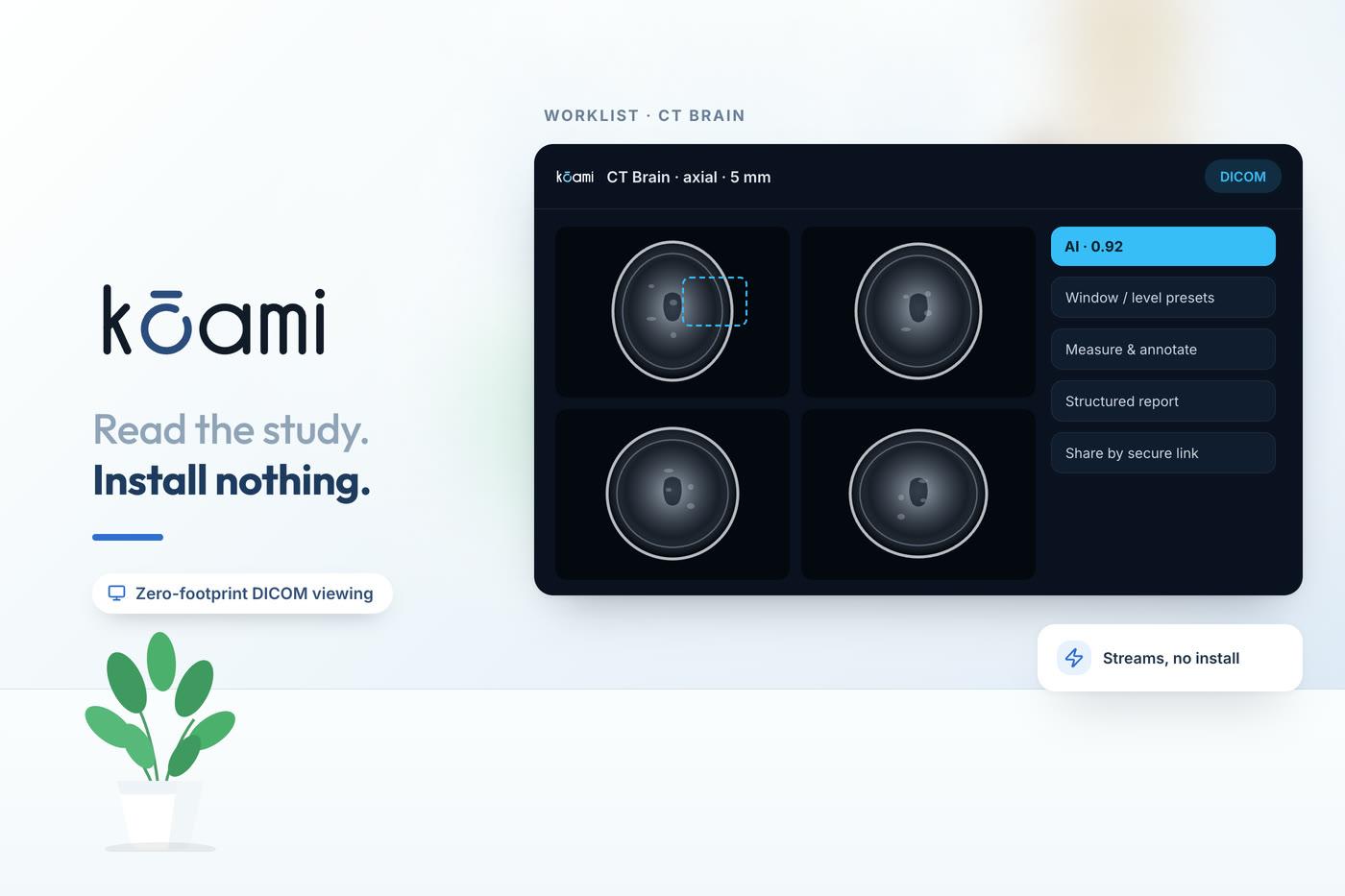
Kōami runs the radiology workflow — order, worklist, read, report, deliver — on the same record as the consultation that ordered the study, with a browser viewer that streams slices rather than downloading studies.
What is a radiology information system (RIS)?
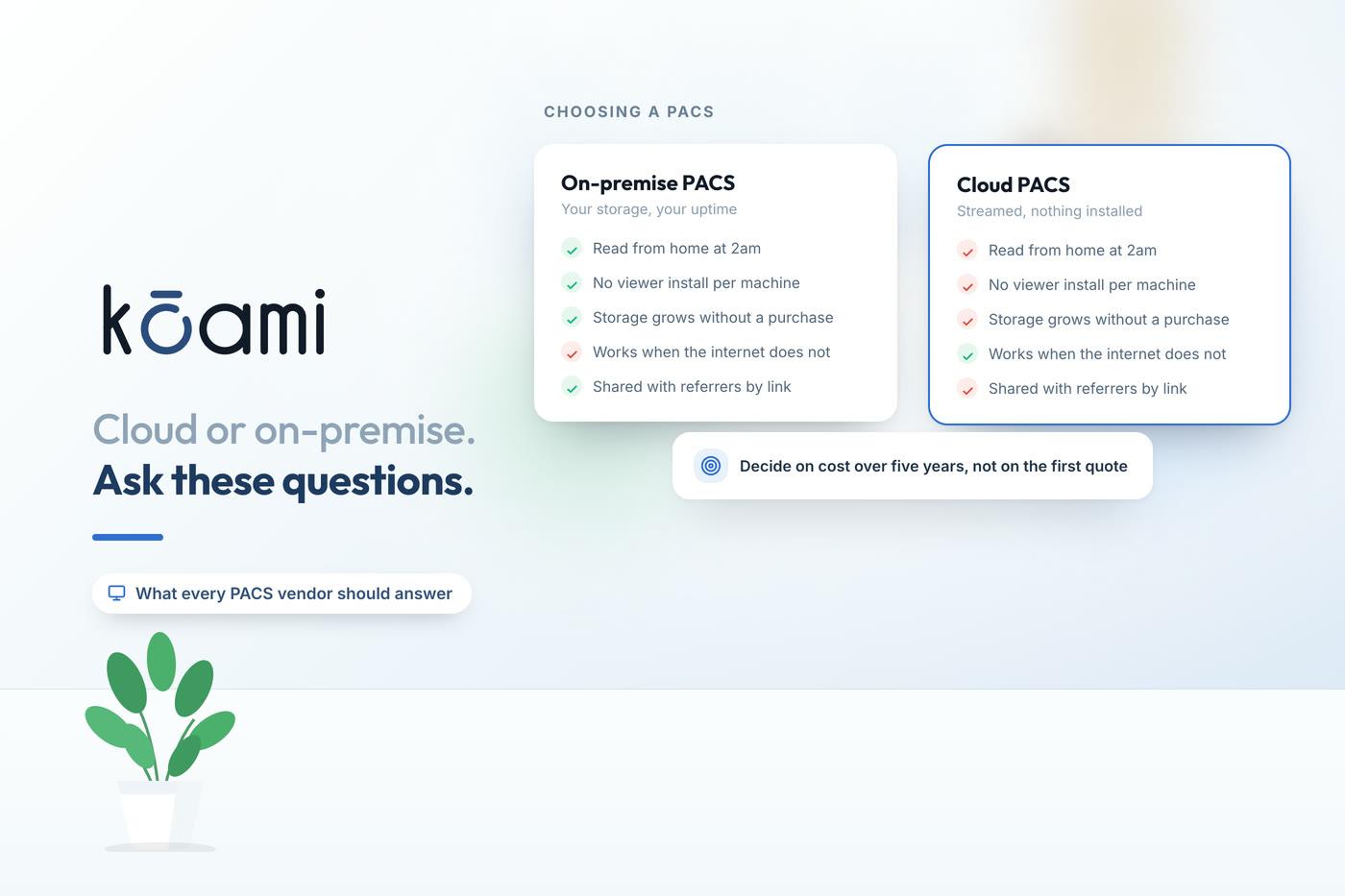
A radiology information system manages the radiology workflow: the order, scheduling, the modality worklist, the reading worklist, the report and its delivery back to the ordering clinician, plus departmental analytics. PACS is the separate layer that stores and serves the images. Products vary in whether they cover one, the other, or both, so the question is worth asking explicitly.
What the system has to do
Order to modality worklist
A study ordered from the patient chart reaches the modality worklist directly, so the technologist is not retyping a name and an accession number at the console.
Triaged reading worklist
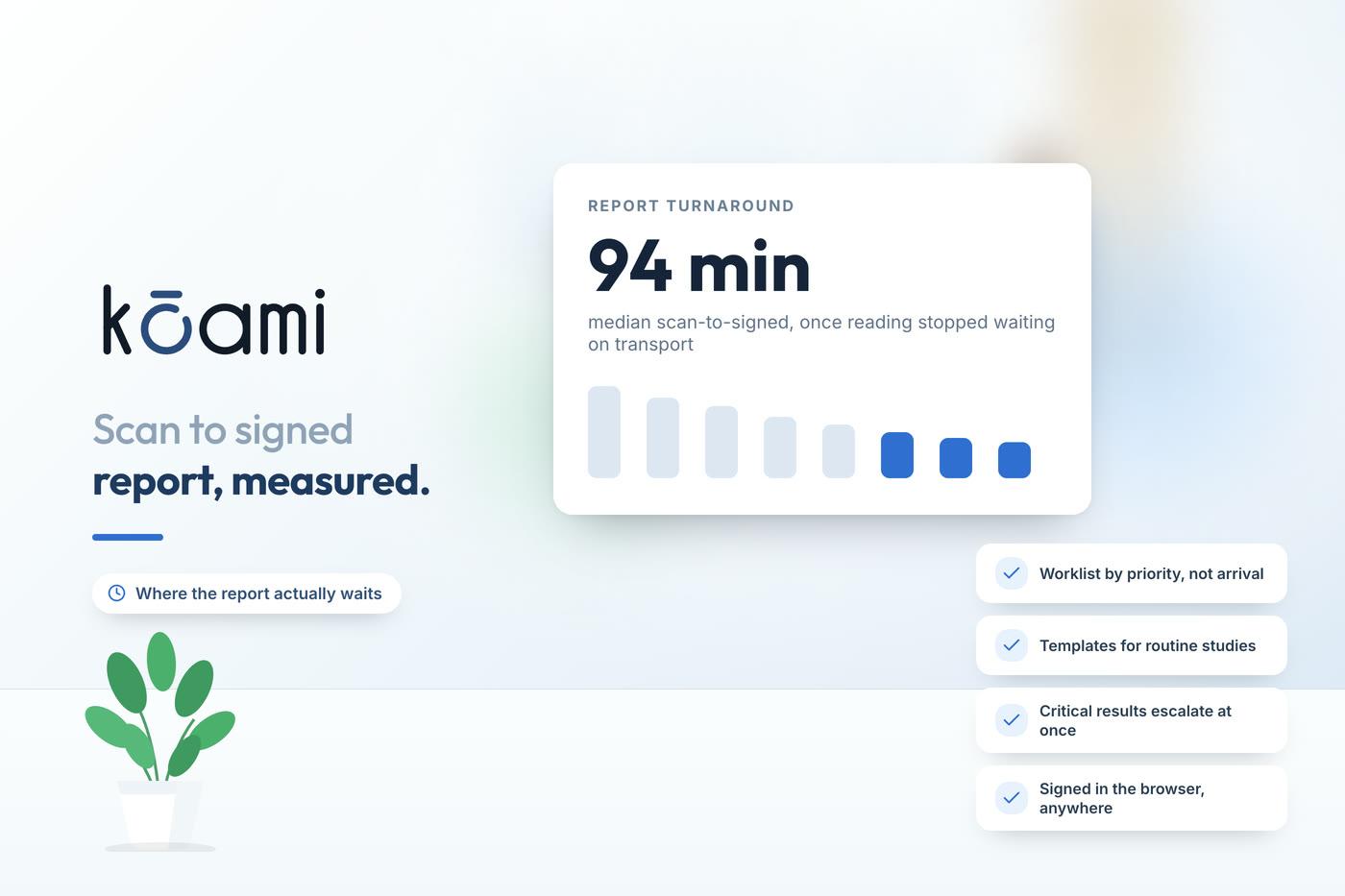
Red, amber and green triage badges, modality and status filters, an "assigned to me" view, and search by accession or MRN, so urgency rather than arrival order decides what is read next.
Browser DICOM viewing
Zero-footprint viewing with WADO-RS slice streaming instead of whole-study download, window and level presets, measurement and ROI, multi-viewport, MPR and cine.
Structured reporting
RadReport templates with AI drafting and dictation, a clean draft, final and addendum sign-off, producing DICOM SR alongside a branded PDF.
Critical results
A critical-results queue that tracks acknowledgement by a named recipient rather than assuming a sent report was read.
Interop and sharing
DICOMweb QIDO, WADO and STOW, C-STORE modality connectivity, HIS and RIS integration, and secure expiring share links for external referrers.
What to test in a RIS demo
Use your own studies and your own connection. A vendor’s demo data set is chosen because it opens quickly.
- Open a large multi-slice CT from your archive on this connection, and time it.
- Show the same study in a browser with nothing installed.
- Bring up the prior study automatically alongside the current one.
- Apply a window preset and confirm it persists into the next session.
- Report using a structured template, then show the report in the hospital record.
- Flag a critical finding and show the notification and the acknowledgement.
- Connect your oldest modality by make and model.
- Export the last thirty days of studies as standard DICOM.
How it connects
Kōami PACS
The imaging product: archive, browser viewer, AI-assisted findings, structured reporting and imaging analytics.
Read moreKōami Hospital
Orders arrive from the chart and signed reports return to it, with no interface engine in between.
Read moreDiagnostic centre software
Lab and imaging on one patient identity for a standalone diagnostic operation.
Read moreGo deeper
Frequently asked questions
Time your own CT
Send us one large multi-slice study. How long it takes to become readable in a browser is the only benchmark a radiologist cares about.
Book a demo