
Clinic management software. Built for visits, not stays.
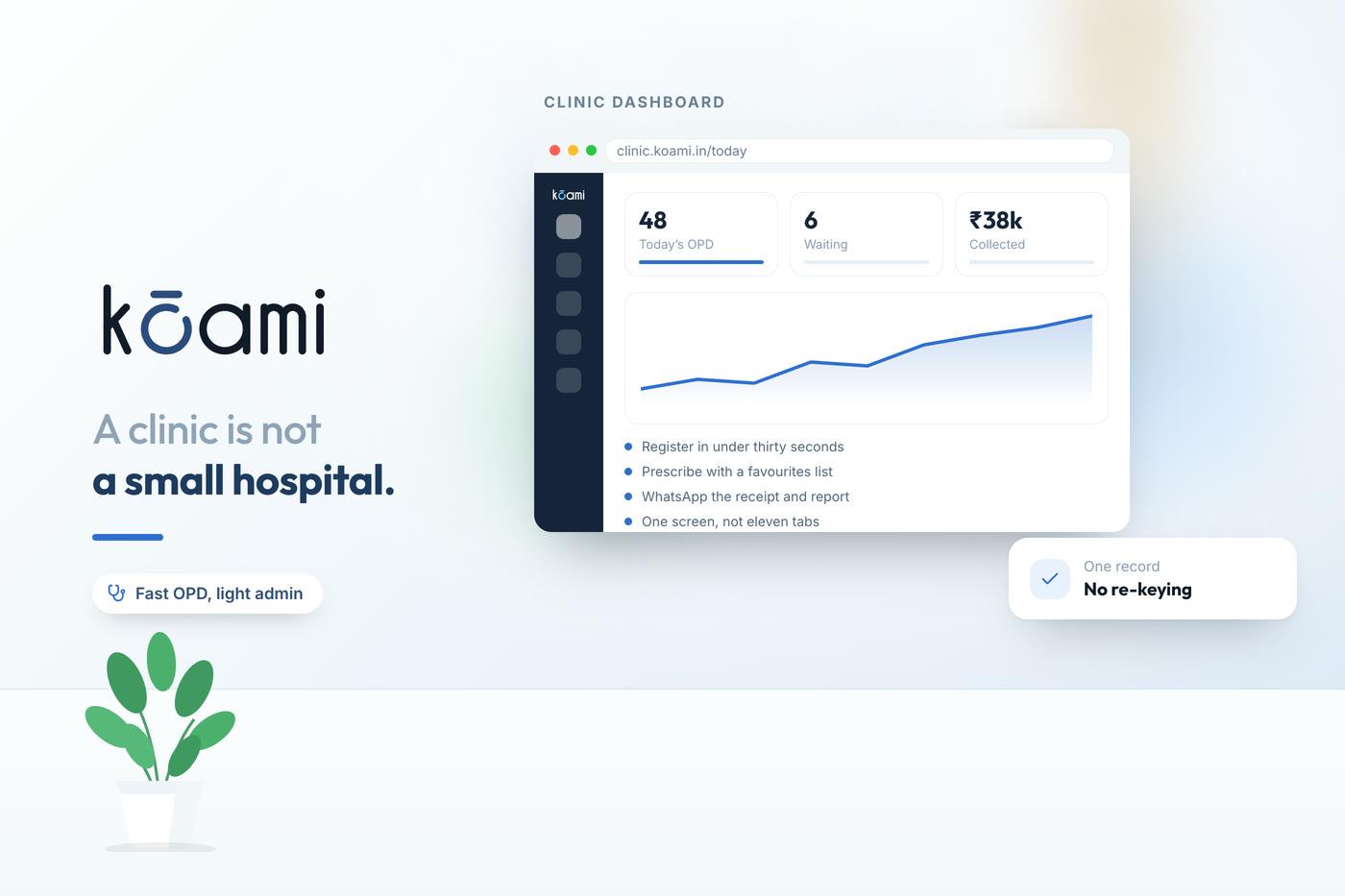
A clinic is not a small hospital. Its work is a sequence of visits rather than a stay, which means wards, nursing charting and inpatient pharmacy are cost and clutter rather than capability. What a clinic needs, and needs to be genuinely fast, is the outpatient flow — booked, seen on time, recorded quickly, billed correctly and brought back.
Kōami is built for hospitals and multi-site groups, and is used by clinics that expect to become one. This page is honest about where that line falls.
What is clinic management software?
Clinic management software runs an outpatient practice: appointments and online booking, patient records with history and allergies, the consultation note and prescription, billing and receipts, and follow-up recall. A polyclinic or small chain adds consultant revenue-share calculation, patient identity shared across locations and consolidated numbers for the owner.
What the system has to do
Appointments and online booking
Multi-doctor calendars, patient self-booking, reminders, and walk-in handling that does not break the scheduled list.
Fast patient records
One identity per patient with demographics, history, allergies and previous visits reachable in seconds rather than searched for.
Consultation and prescription
Speciality templates, a drug database with interaction and allergy checks, and a printed or digital prescription that meets the requirements for a valid one.
Billing and daily collection
Consultation and procedure charges, packages, discount control by role, and a daily collection reconciliation the owner can read.
Recall and follow-up
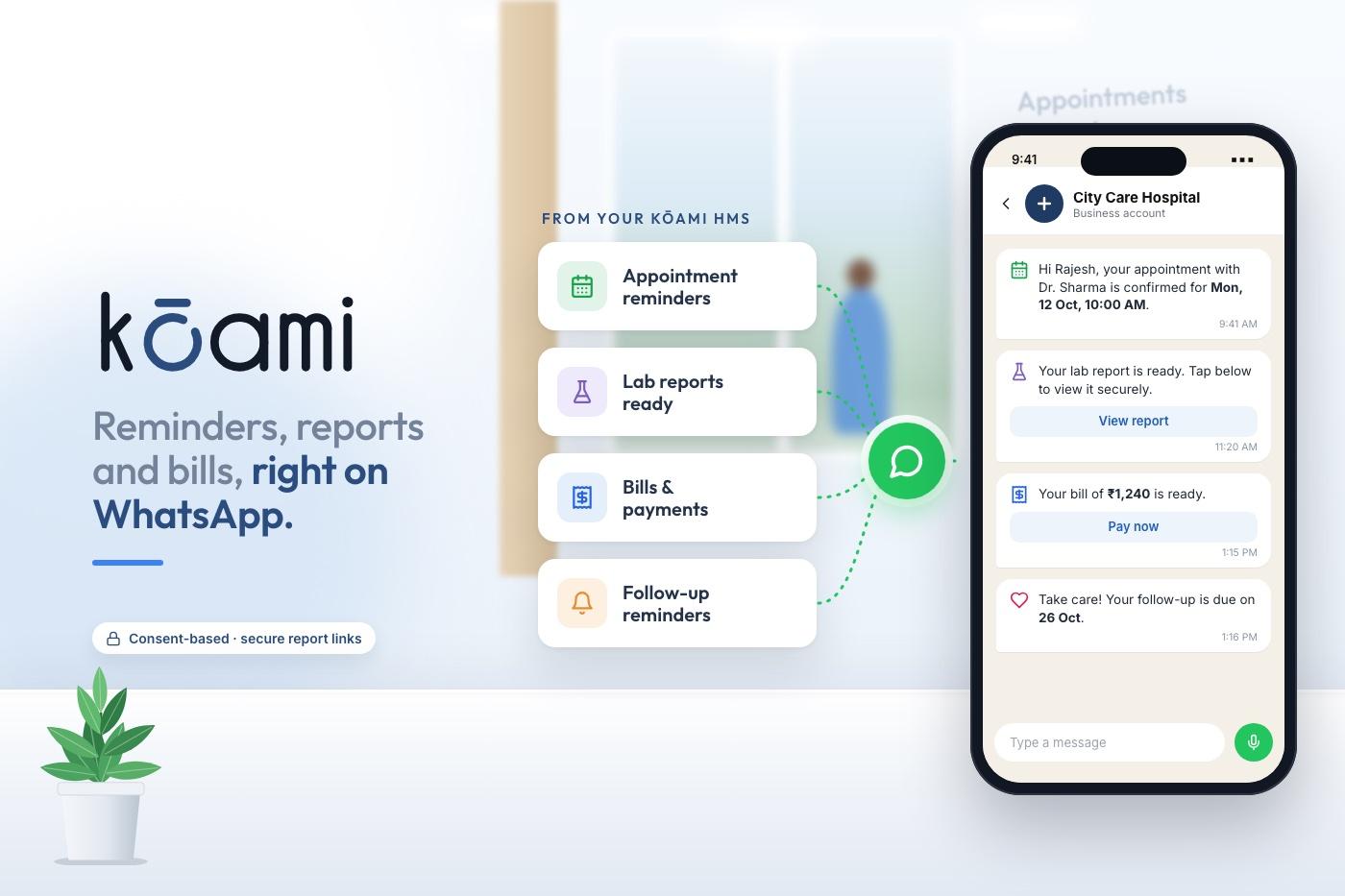
A follow-up interval set during the consultation that becomes a reminder automatically — the single feature that most affects a practice’s economics.
Consultant revenue share
Per-consultant arrangements on consultations and procedures calculated from recorded activity rather than reconstructed monthly in a spreadsheet.
What to time in a clinic demo
Time the routine operations. If any of the first three takes more than a minute in the vendor’s hands, it will take longer in yours.
- Register a walk-in and get them into the right doctor’s queue.
- Record a consultation on your speciality template and print the prescription.
- Bill it, apply a discount, print the receipt.
- Show the same patient’s previous three visits.
- Set a six-week follow-up and show the reminder it will send.
- Show today’s collection split by doctor and payment mode.
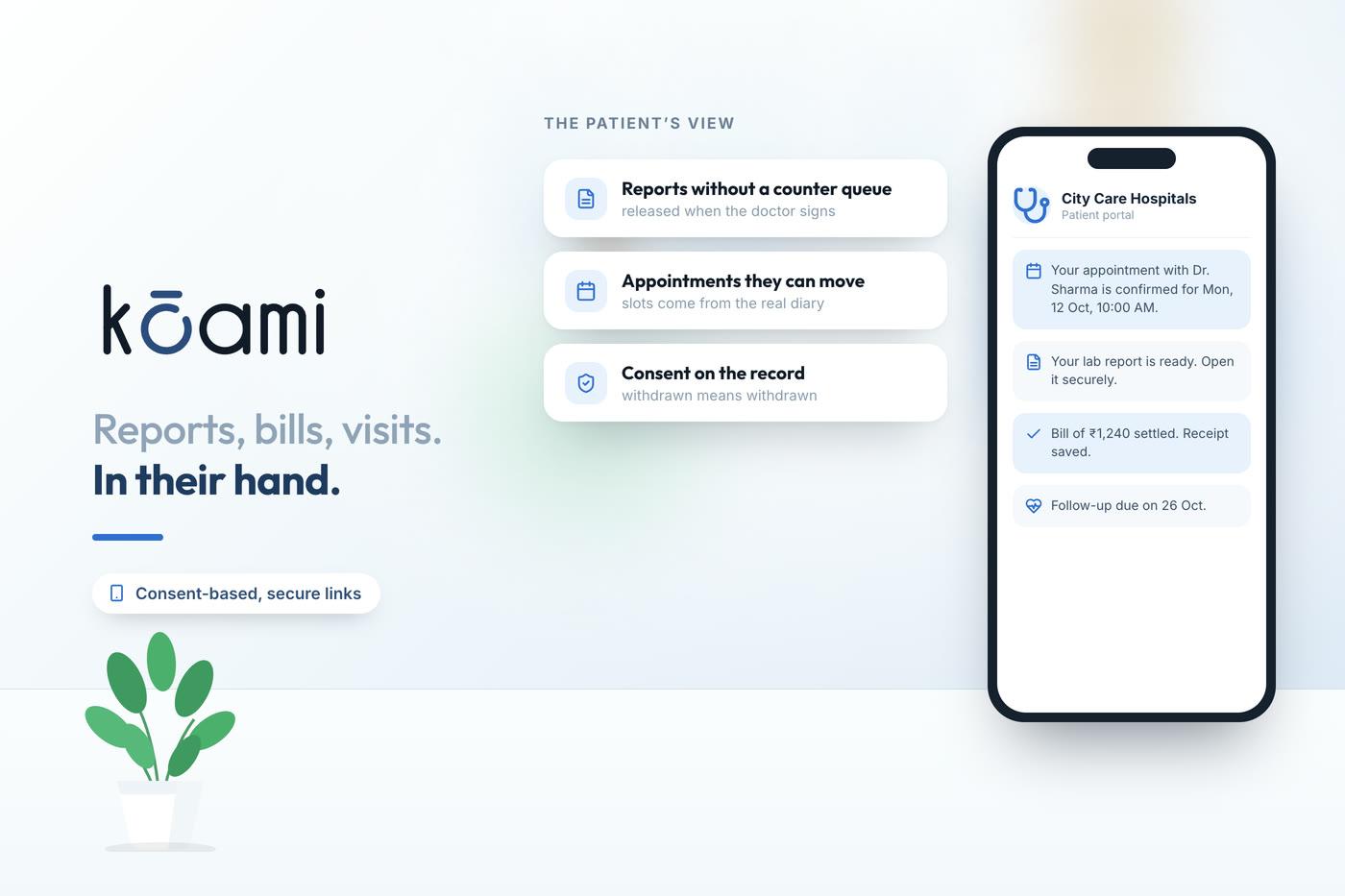
- Book an appointment as a patient would, from a phone.
- Export all your patient data — ask for the format and the cost.
How it connects
OPD management software
The same outpatient flow at hospital scale — appointments, queue, consultation and billing.
Read moreHospital software for small hospitals
If you have inpatient beds or day-care, start here instead.
Read moreKōami Hospital
The platform a growing practice moves onto when locations, pharmacy and diagnostics arrive.
Read moreGo deeper
Frequently asked questions
Buy for the size you intend to be
Tell us where you are now and where you expect to be in three years. Those two answers decide which end of this market you should be shopping in.
Book a demo