Connecting to ABDM/ABHA the Practical Way
Published
Every hospital that has tried to connect to the Ayushman Bharat Digital Mission learns the same lesson in the first fortnight: the hard part is not the API. The specifications are published, the sandbox is reachable, and a competent developer can generate an ABHA number in an afternoon. The hard part is the plumbing between ABDM and the way your front desk, wards, and records room actually work. A registration clerk who is already juggling a queue of forty patients will not stop to explain consent artefacts. So the practical question is never "can we integrate" but "where do we put each step so nobody has to think about it."
Start With ABHA Creation Where It Is Painless
The ABHA (Ayushman Bharat Health Account) number is the anchor. It is a 14-digit identifier that ties a patient to their longitudinal record across facilities. The temptation is to make ABHA creation a separate counter or a separate screen. Resist it. Fold it into the registration flow you already have.
In practice this means two paths, and you should build both:
- Aadhaar-based creation, where the patient consents to an OTP and the demographic details flow back automatically. Fast, but depends on a working mobile number linked to Aadhaar.
- Mobile-driven creation, for the large number of patients whose linked number is stale or belongs to a relative. This path is slower and needs manual demographic entry, so route it to a clerk who has thirty seconds to spare, not the peak-hour window.
Kōami handles both from inside the same registration screen, so the clerk sees one extra field, not one extra system. If the patient already has an ABHA, verification replaces creation, and the flow is shorter still.
The measure of a good ABDM integration is that a busy clerk never has to leave the screen they were already on.
Consent Is a Workflow, Not a Checkbox
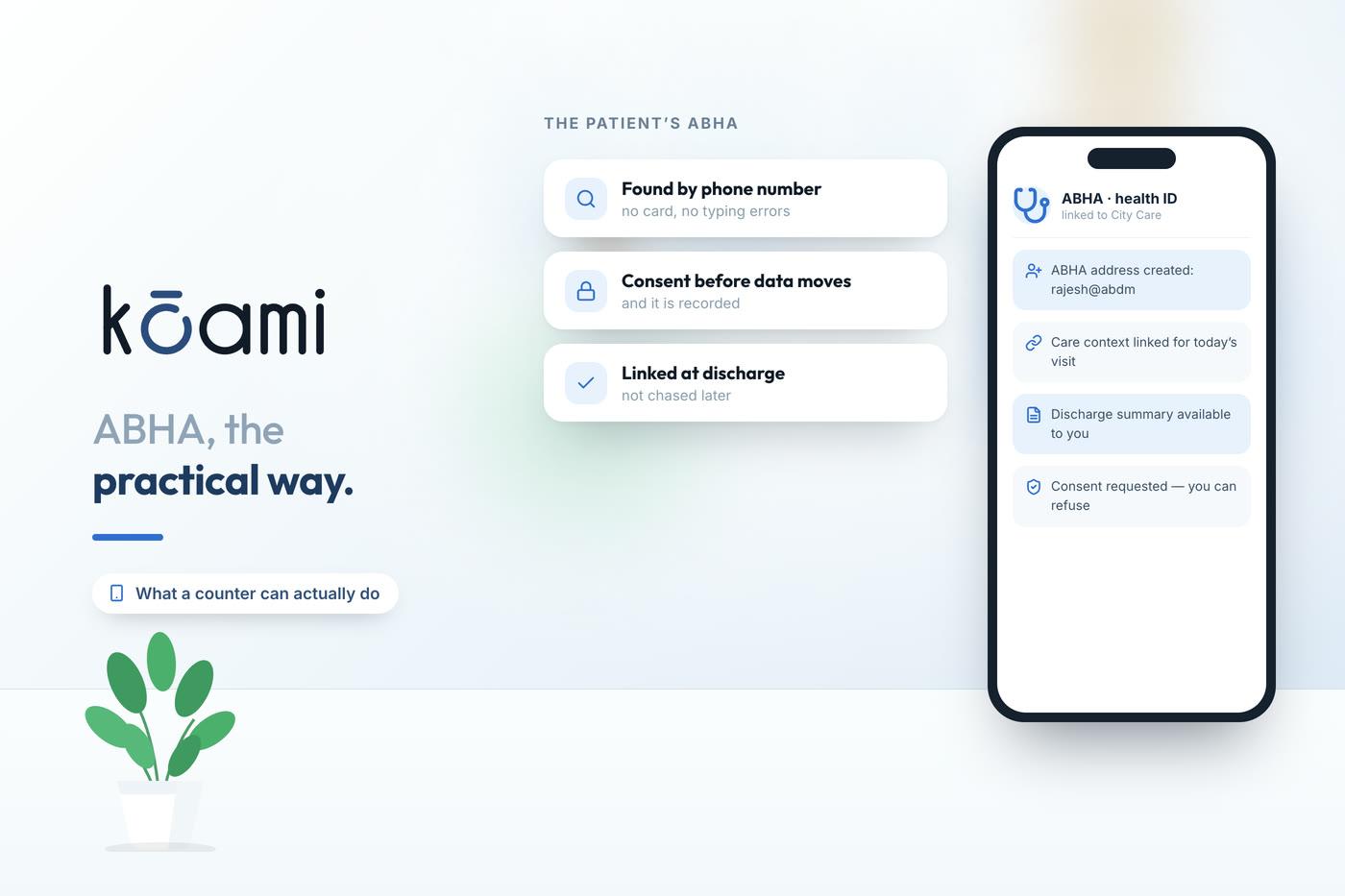
The single most misunderstood part of ABDM is consent. Data does not move because a hospital wants it to move. It moves because a patient granted a consent artefact that specifies exactly what, for how long, and to whom. A consent request carries a purpose code, a data range, a set of HI (health information) types, and an expiry. The patient approves it on their own app, and only then does the Health Information Exchange release the records.
This has real consequences for how you design the screen. When a physician wants to pull a patient's prior discharge summary from another facility, the request has to be phrased in ABDM's terms and the patient has to act. If your workflow assumes instant access, it will feel broken. Build for the asynchronous reality:
- Raise the consent request early, ideally at check-in, so the artefact is often approved by the time the patient reaches the consultation room.
- Show the physician a clear state - requested, granted, denied, or expired - rather than a spinning loader that implies the data is on its way when it may never arrive.
- Store the artefact reference against the encounter so an audit can reconstruct precisely why a record was accessible.
Kōami keeps the consent state visible on the patient's timeline, which turns an invisible protocol into something the clinical team can reason about.
Care Context Linking Is Where the Value Lives
Creating an ABHA does very little on its own. The value appears when you link care contexts. A care context is a single episode of care - an OPD visit, an admission, a lab panel - registered against the patient's ABHA so that it becomes discoverable later. Skip this step and you have handed out identifiers that point to nothing.
The discipline is to link a care context at the moment the episode becomes real: when the visit is confirmed, when the admission is booked, when the report is finalised. Do it in the background, triggered by events your system already emits. A discharge that is finalised in the HMIS should fire a care-context link without a human pressing anything. When you get this right, a patient who walks into a different hospital next year can, with their consent, surface the discharge summary your team wrote today.
Design for the Network You Actually Have
ABDM assumes connectivity that Indian hospitals do not always have. Registration desks lose their link mid-morning. Gateway calls time out. The Health Information Provider on the other side is offline for maintenance. If your integration treats every failure as fatal, your clerks will quietly stop using it, and then you have an expensive feature nobody touches.
Build for graceful degradation:
- Queue outbound linking and consent callbacks so a dropped connection retries automatically rather than losing the event.
- Let ABHA creation fail soft: register the patient in the local record first, attach the ABHA when the network returns, and never block clinical care on a gateway response.
- Log every gateway interaction with its correlation identifier so that when a call fails, someone can actually trace it instead of guessing.
Kōami is designed to run this way, treating ABDM as an eventually-consistent partner rather than a synchronous dependency, which is the only assumption that survives contact with a real hospital network.
Connecting to ABDM is less a coding exercise than an operations exercise. The specification tells you how to speak the protocol. It says nothing about where consent belongs in your queue, how a clerk creates an ABHA without slowing down, or what a physician sees when a record has not yet been released. Get those human details right and ABDM becomes quietly useful. Get them wrong and you have a compliant integration that everyone avoids. The practical way is to make the digital health account something your staff barely notice they are using.
Follow Kōami on LinkedIn
Get the next guide on hospital operations, software and compliance in your feed, as soon as it is published.